®
® 


 ®
® 


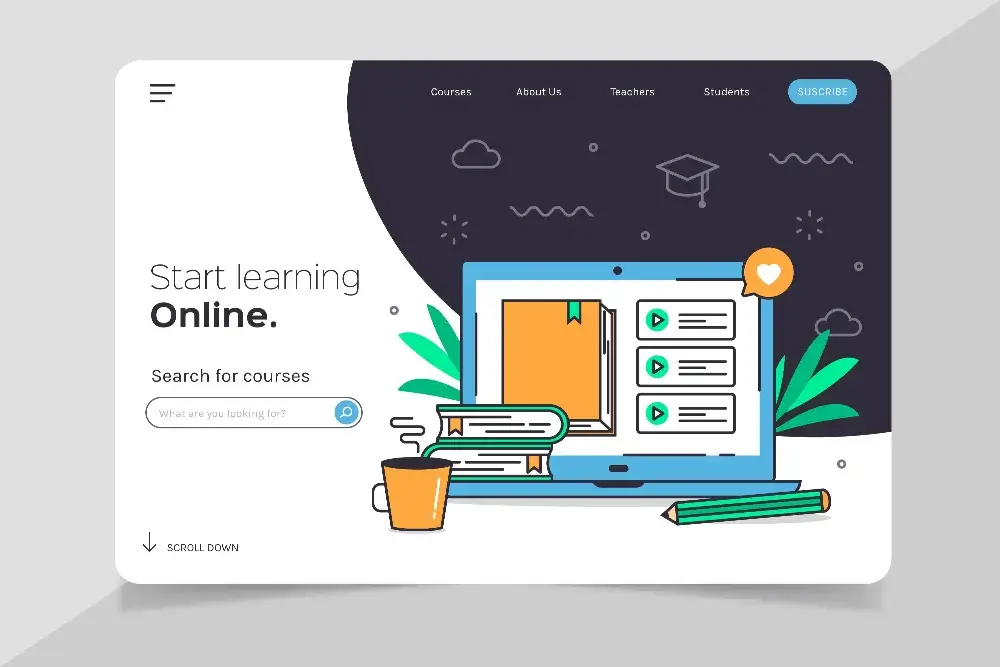



Are you a beginning entrepreneur? Or perhaps you’re rebranding your business and looking for a new website? Is your current website starting to feel outdated? In this article, I’ll try to describe what you need to set up or commission your new website.
What is a website?
A website is a document made available on the internet. A website is what you’re looking at right now, what you’re reading. It consists of graphics, content, designs, and information. This webpage combined with others creates a web portal. A website is a document created for internet users. It can aim to generate financial profit, share information, educate, or build your personal brand online.
WWW (World Wide Web) is a global network, meaning everything created for the internet, on the internet, and for its users. This system is based on open access and decentralized information.
Why does its name lead to content?
A website address (e.g., yourdomain.com) typically takes us to that site’s homepage. The homepage should (and usually does) lead to the primary content available. This page is called the home page and is commonly known by this term on the web. When building websites based on CMS systems, they rely on the structure: homepage, subpages or pages (single page), and posts. There are many tools and programming languages that enable content presentation on the internet. The fundamental tool available to website creators is HTML. It’s a “hypertext markup language used for creating hypertext documents” (source: Wikipedia). What does this actually mean? It means that with HTML we can create structurally linked documents whose structure resembles a tree. One element is parent to another and vice versa.
However, the section heading asked: why does your website’s name lead to content? This is handled by DNS (Domain Name System). It’s a distributed system designed to identify domain names and link them to IP addresses. When you type your website address into a browser, a query is sent to a DNS server, which provides the address where the site is hosted. The rest is handled by the server.
What costs are involved?
Servers, DNS, domains, websites – so many elements, but what are the actual costs? What do you need to pay for?
The first cost in creating your own website is purchasing a domain. A domain is the website name mentioned above along with its “extension” – .com, .co.uk, etc. This cost involves registering domain ownership, assigning an owner, and adding an entry to the DNS server, which will redirect to the next cost element – the server.
Regardless of whether you use shared hosting, a dedicated server, or a VPS to maintain your website content – there’s a cost involved. This service is billed in regular intervals – monthly or annually.
Once you have a server and your website’s name, it’s time to design and build the website. Depending on the project’s complexity and how much you want to customize your website, the cost at this stage can vary significantly. Every project, both graphic design and its implementation, is priced individually based on the amount of work and the complexity of the chosen final design.
Graphic design of a website
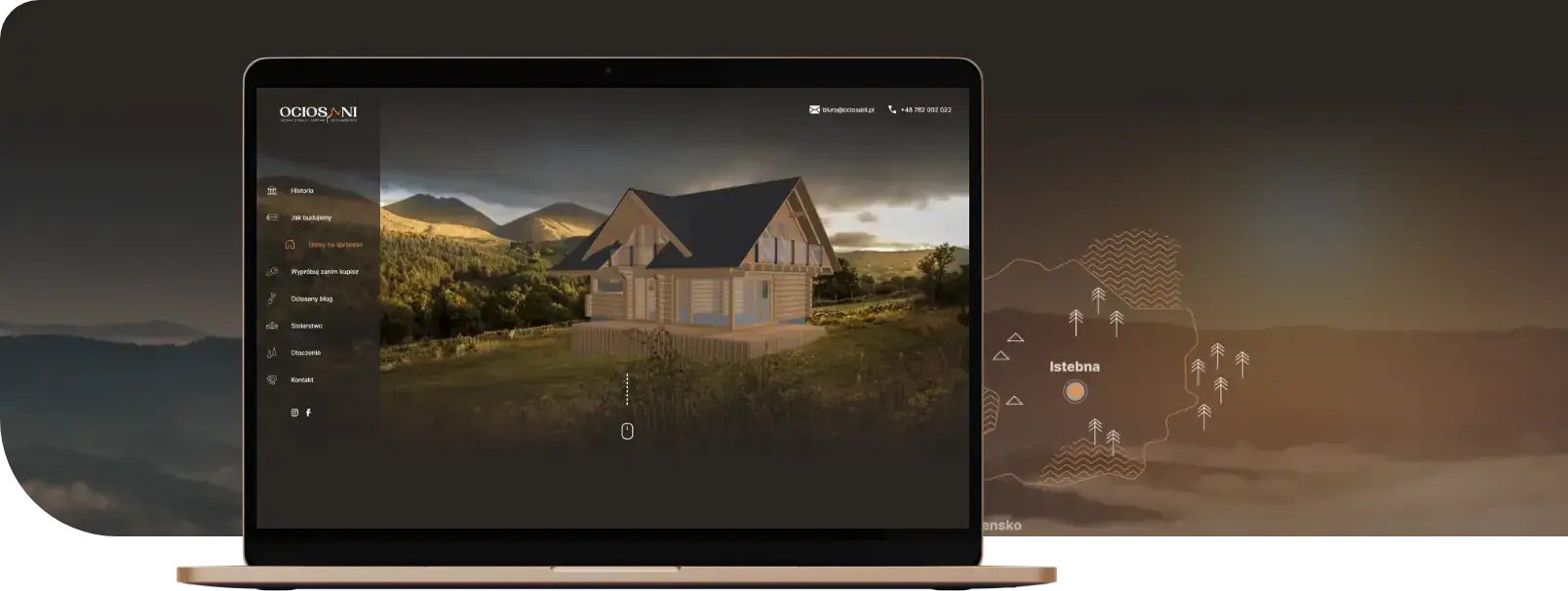
The vast majority of website projects are preceded by a graphic design. This allows you to precisely plan the amount of work needed and the look of the final product before starting implementation. Preparing a graphic design helps speed up the website development and visualize its appearance before starting the build. At the graphic design stage, every website can be properly prepared and thought through. You can plan not only the necessary tools for building the website, but also the server structure and infrastructure needed for the project. At this stage, you can plan security measures and ensure compliance with information obligations and SSL.
CMS – Content Management System
The person building your website should ask about the CMS (Content Management System). This is the system for managing website content. The vast majority of the internet runs on WordPress. It’s the most popular and free content management system, offering many customization options. If your website isn’t a massive portal and you don’t have specific private reasons to need a custom CMS – we recommend WordPress.
Server deployment – which hosting to choose?
The last point to address is which server/hosting should be chosen. Unfortunately, there’s no simple answer to this question. Every website and online store requires different infrastructure and solutions to perform optimally. Depending on your needs and desired website speed, different solutions are recommended. Our next article will discuss why we recommend that all websites with multimedia content be equipped with CDN and what CDN is. We’ll also try to answer the question of whether you need a dedicated server. For now, we’ll just mention that the choice of server and the network maintenance associated with the website should be planned and thought through already at the design stage – to match the solution to your needs.